Build a usable product catalogue
Give each grocery item a clear name, barcode, selling unit and price. Separate packs and variations deliberately so staff select the right item at the till. Decimal quantities suit items sold by weight.
Connect the stock you buy, move and sell. Keen Supermarket ERP gives grocery shops and food marts a shared record of purchasing, location balances and sales.
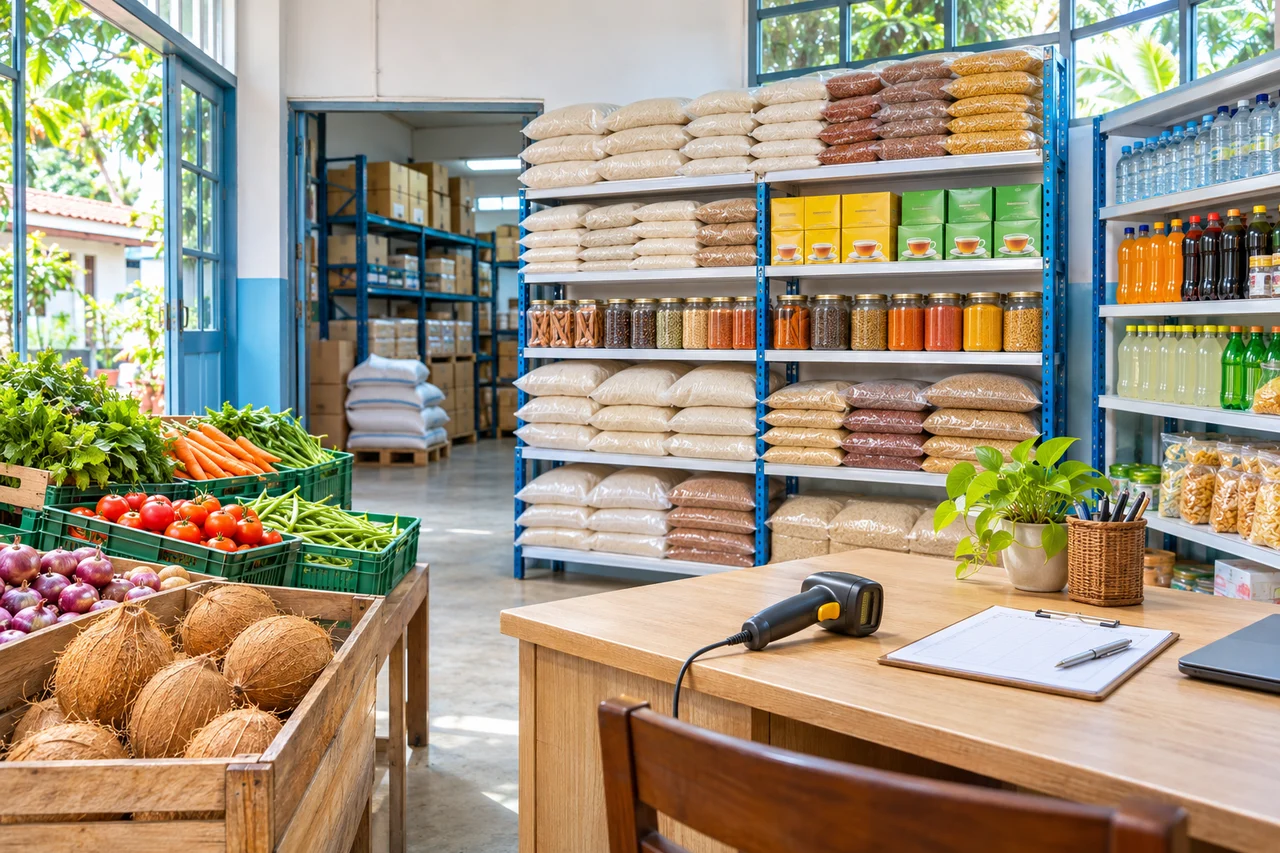
Supermarket inventory software connects products, purchases, opening quantities, sales and transfers so you can review the stock recorded at each store or sales point. Accurate results start with correct item units, prices, opening balances and daily entries.
Give each grocery item a clear name, barcode, selling unit and price. Separate packs and variations deliberately so staff select the right item at the till. Decimal quantities suit items sold by weight.
Keep supplier details, purchase quantities, costs and recorded payments together. Enter opening stock when starting the system, and reconcile it with a physical count instead of relying on an old unverified balance.
Record stock moving from your store to a sales point. Review the source and destination quantities, and use the correct location when receiving goods or selling them. Each store and sales point uses package location capacity.
Use stock reports and low-stock views to check recorded balances before preparing the next supplier order. Investigate missed entries, incorrect units and count differences before using the figures to make a buying decision.
A supermarket catalogue can contain packaged groceries and items billed in decimal quantities. Agree the unit and barcode format for each category before staff start entering stock.
For weighed goods, configure and test the printed weight-barcode format against your ERP settings. The BUDRY ABD-90 guide explains the barcode workflow; direct scale integration and automatic price uploads require a separately verified setup.
Read about weighing & label printing ↗Starter includes 500 items at LKR 1,000 per month. Higher packages increase item capacity, with unlimited items in Enterprise. Compare stores and sales points as well as item counts before choosing.