
SUPERMARKET POS SETUP & MIGRATION

Your next system.
A prepared first day.

Moving from spreadsheets or another POS? Prepare your items, stock and staff workflow before opening the new till. Use this checklist to discuss your move with Keen Systems.

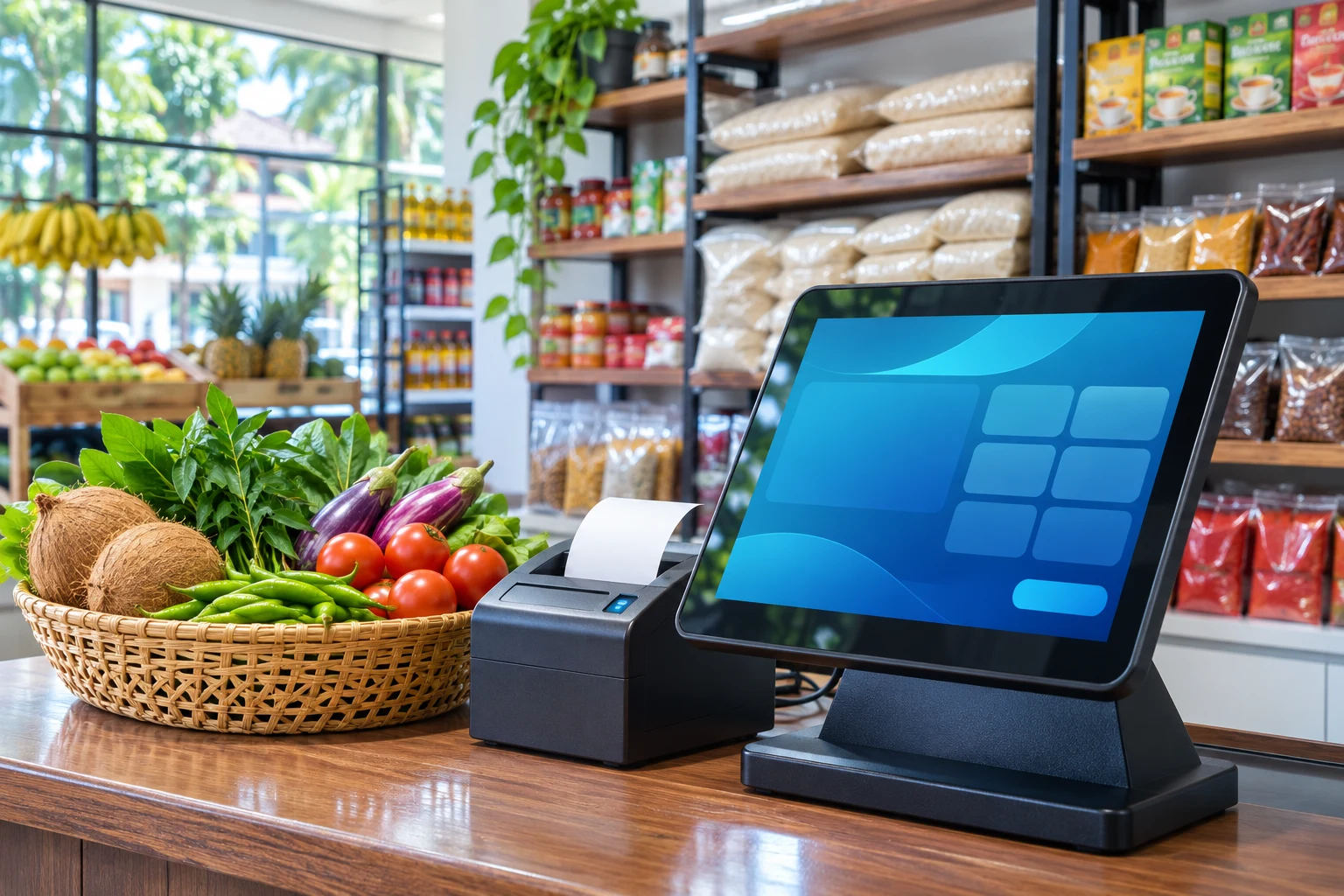
Supermarket checkout with a receipt printer and grocery products
Prepare the data. Configure the till. Check the first bill.
HOW DO I SWITCH MY SUPERMARKET POS?

Agree the scope,
then check the starting point.

Start with an export of your product list, a physical stock count, agreed opening balances and a list of shops, stores and devices. Contact Keen Systems to review the source format and onboarding scope. Historical transactions and migration services require a separate discussion; an account does not automatically import an existing system.

BEFORE YOUR FIRST TRADING DAY

Six steps to a
more organised launch.

01

Count the capacity you need

Count active items, sales points and stores. Choose a monthly package with enough room for the next stage, then activate the subscription through hosted checkout. Keep hardware and any agreed migration work in your setup budget.

02

Clean your product file

Export item names, barcodes, selling units, prices and relevant variations. Resolve duplicate barcodes and check decimal quantities and pack sizes. Ask support which import format fits your source data before preparing the final file.

03

Check stock and balances

Agree a cutover time, count physical stock by location and reconcile opening quantities. Review supplier and customer starting balances with the person responsible for your accounts. Retain an appropriate export of your previous records.

04

Set identity and staff access

Enter your own business and branch details, logo and contact information. Assign roles and locations to staff. Choose Sinhala, English or Tamil in 80mm or A4, and check the optional savings display and A4 watermark.

05

Prepare ePOS and printing

Install Windows ePOS if you need local billing. Pair the intended branch, complete initial sync and confirm cached entitlement. Test the actual printer, paper width, fonts, barcode scanner and any weight-label format you will use.

06

Reconcile your first day

Run through a sale, change, a split payment and your return workflow with staff. After real trading, check successfully synced sales, recorded payments, dues and stock against the day’s records. Follow up on any differences before relying on the totals.

MAKE YOUR ENQUIRY USEFUL

Tell us how
your supermarket works.

Include your item count, source software or file format, number of sales points and stores, Windows devices and receipt-printer model. If you use a weighing scale, include the model and a sample label format without customer details.

Use the Contact page or native support chat to discuss the scope. Agree any data preparation, training, hardware configuration, costs and launch timing with the team before scheduling your move.

Send a setup enquiry ↗

What your subscription covers

The chosen package sets your item capacity, sales points, stores and included monthly AI credits. Unlimited users and invoices and six standard multilingual invoice designs are included.

Hardware, internet and separately agreed onboarding services are additional. Registration alone does not charge a card or activate paid access.

Review package details ↗
YOUR NEXT CHAPTER AT THE COUNTER

Let’s make room
for better business.

Create your business ↗